Agent report
Generate an agent usage report for your clients
Last updated About 1 year ago
Overview
Agent usage reports in ChatDash are a way to generate detailed reports on how your clients are using the agents assigned. This allows you to track the usage of the agents and generate billing reports based off of the usage data such as the number or messages and token usage.
Generating Agent Usage Report
Login as an agency user in ChatDash.
Go to the Clients tab in your agency dashboard and navigate to Client Details page by clicking on the client.
Go to Assigned Agents tab and and click on the Agent Report button.
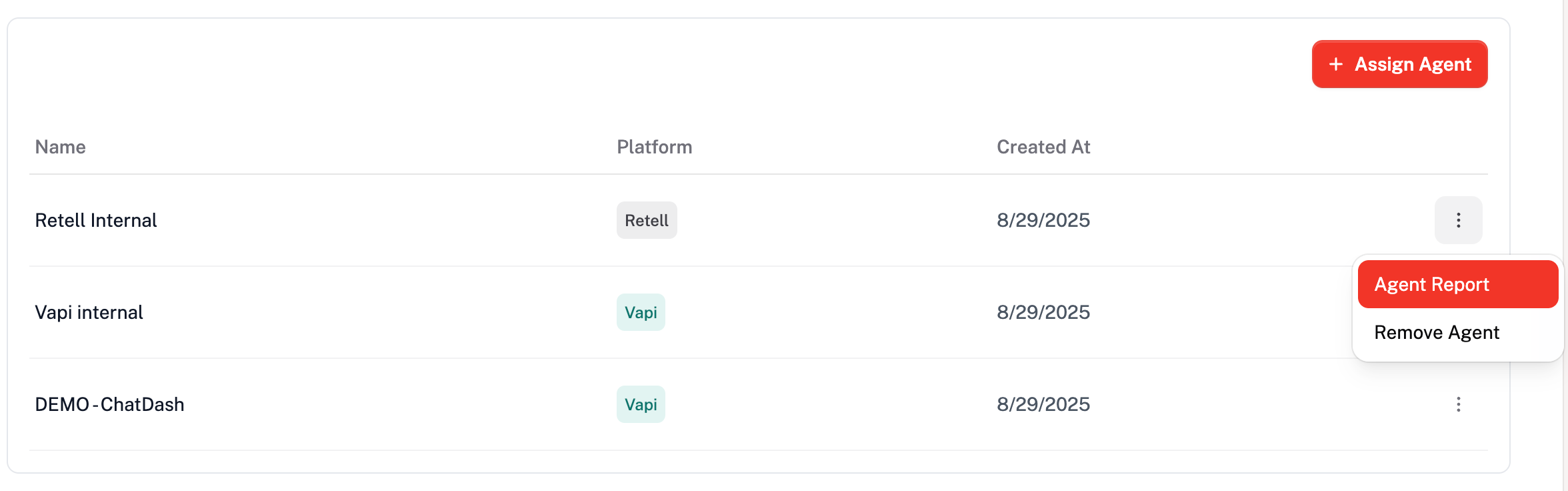
You will see the modal with the Date Range options.
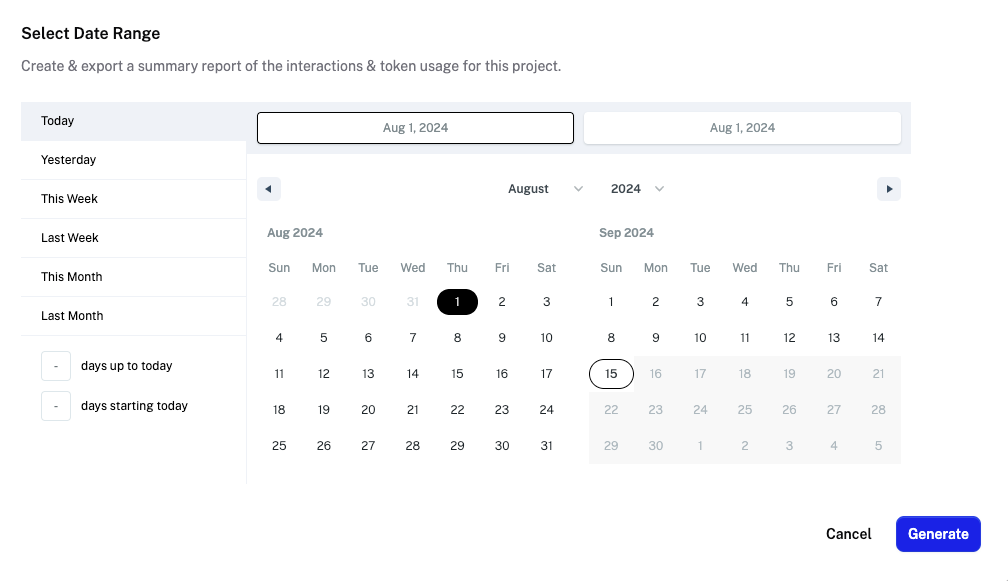
Select the Date Range for which you want to generate the usage report.
Click on the Generate button to generate the usage report.
You will see the usage report with the following data:
Total Incoming Messages: Total number of incoming messages within the selected date range.
Incoming Messages Per Day: Number of incoming messages per day within the selected date range.
Total Token Usage: Total number of tokens used by ai models within the selected date range.
Click on the Export as PDF button to download the usage report in PDF format.