Knowledge Base
The Knowledge Base menu in the client dashboard allows clients to view and directly manage knowledge base data sources.
Last updated About 1 year ago
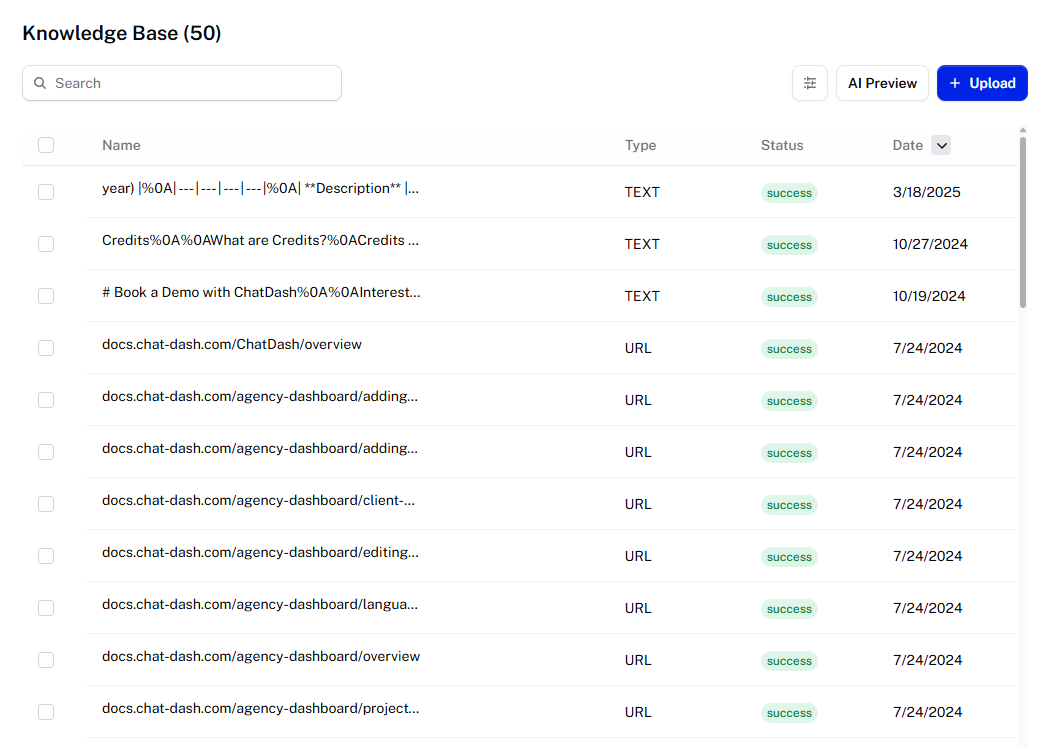
Upload Options
The types of sources that you can upload to the knowledge base depends on the agent’s platform:
Voiceflow: File, URL, Sitemap
Retell: File, URL, Text
Vapi: File
OpenAI: File
ElevenLabs: File, URL, Text
Botpress: File
Vectorshift: File
Flowise: Text
Source Content
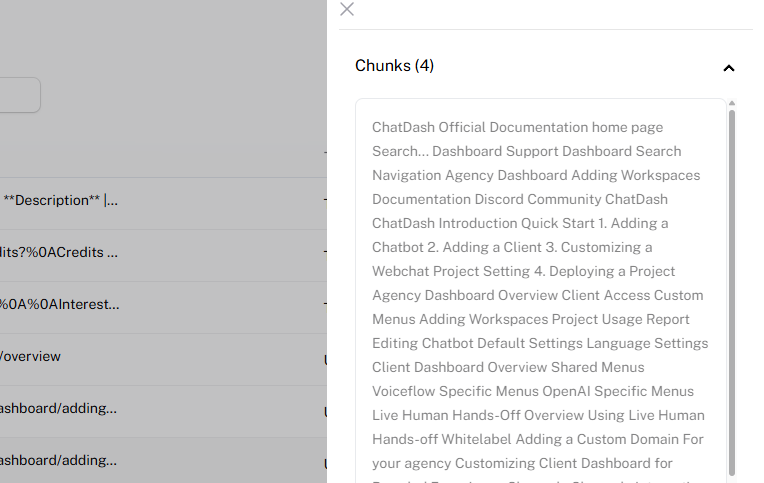
Depending on the platform and source type, you can click on the source to open up a side menu displaying the contents of the uploaded source.
Supported platforms: Voiceflow, Botpress, ElevenLabs
Voiceflow-Specific Menus
For Voiceflow agents, you can enable Knowledge Base Settings and AI Preview, which allows you to configure and test the knowledge base like you would on Voiceflow's dashboard. These menus can be enabled in Client access.
Adding Knowledge Base ID
Some platforms require the knowledge base ID to be manually added when creating a chabot in order for clients to see the knowledge base in their dashboard. See what platforms require this.