Custom menus
Adding a custom menu for clients in ChatDash
Last updated About 1 year ago
Custom menus in ChatDash are a way to create a custom interface for your clients to view specific content or data. You can embed any web content as iframe (e.g., Google Sheets, Airtable, Tableau, etc.) into the custom menu and share it with your clients.
Adding a Custom Menu
Login to your agency dashboard.
Go to the Clients tab in the agency dashboard.
Find the client you want to add a custom menu for and click Preview button.
You will be redirected to the client dashboard.
Select on the agent you want to add a custom menu for.
Click on the + Add Custom Menu on the bottom of the navigation bar.
Give a name, iframe to embed, and the icon for the custom menu.
For non-technical users, there is an option to just paste in the website URL and we will render the iframe to fit the dashboard.
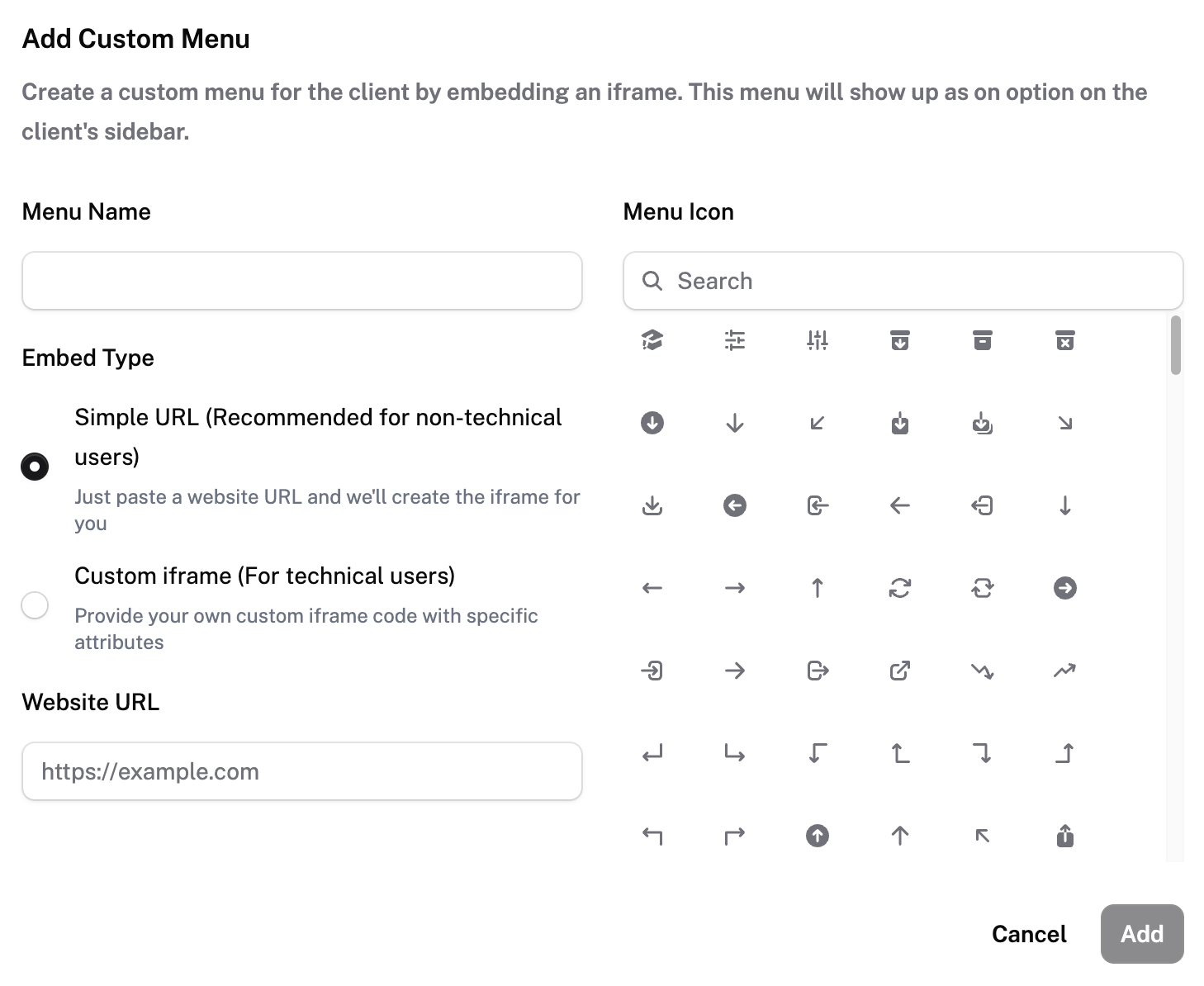
Click on the Add button to add the custom menu.
You will see the custom menu added with the logo on the navigation bar.