Conversations
The Conversations menu in the client dashboard provides details of the messages exchanged between the agent and the users.
Last updated About 1 year ago
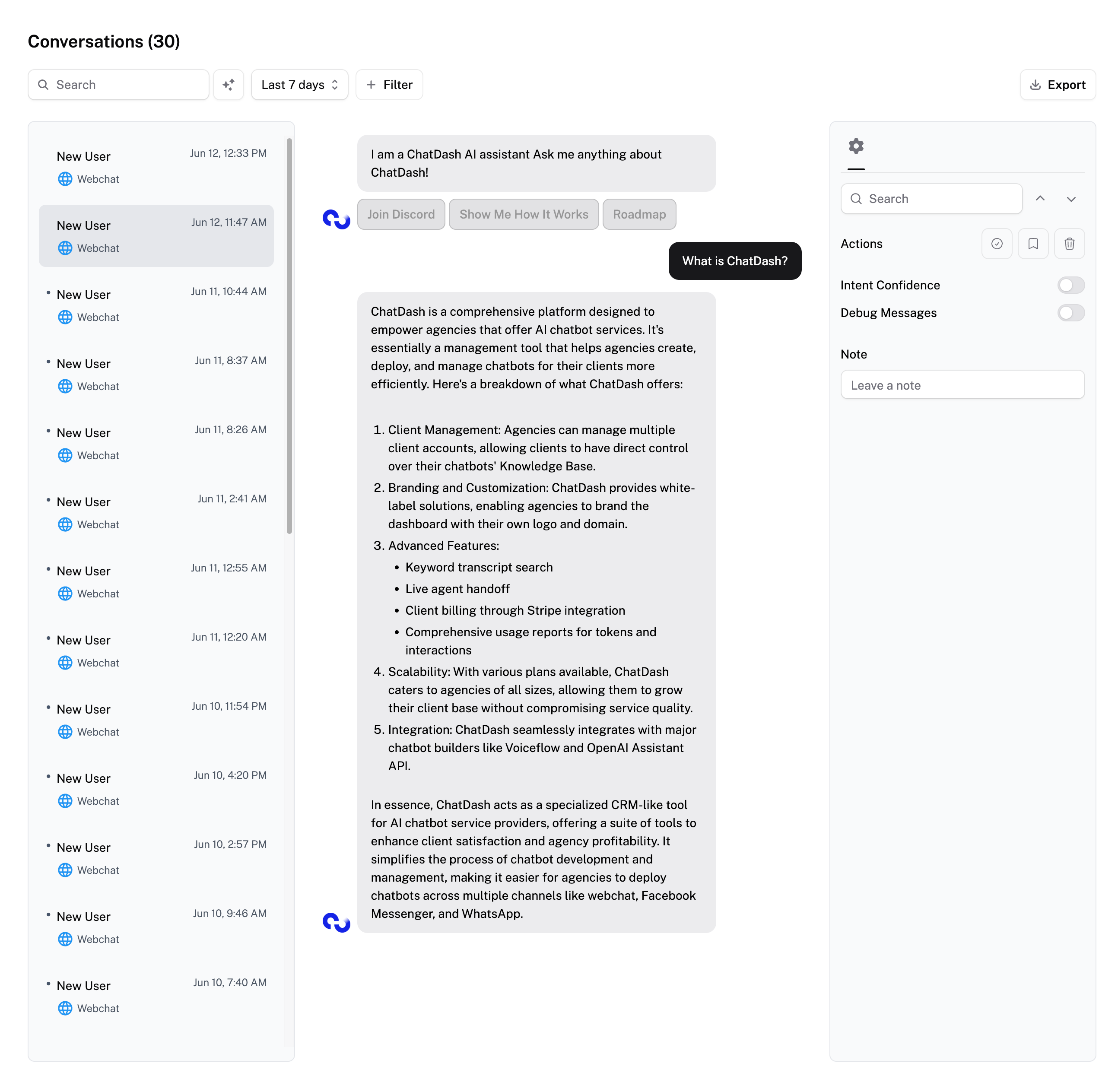
Filters
All Agents
Search by keyword or phrase
Filter by date range
Filter by tags
Voice-Based Agents Only
Filter by Success Evaluation
Filter by Answered Status
Filter by Campaign
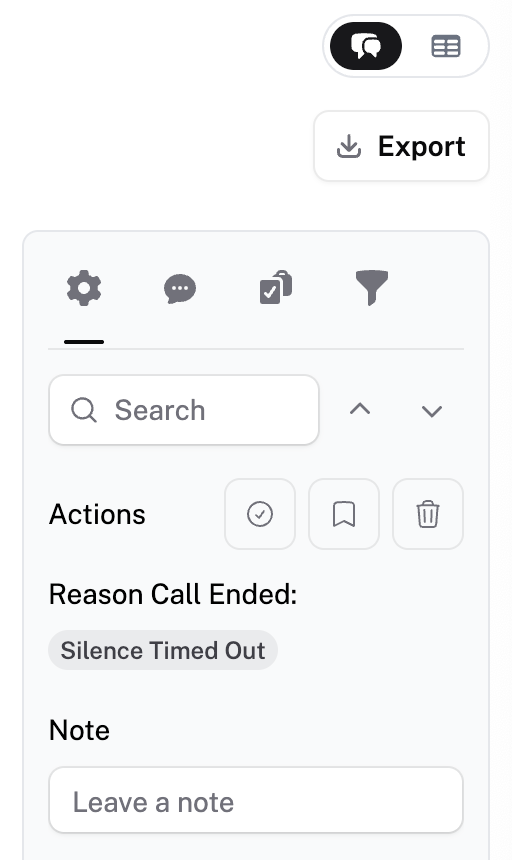
Status Indicators & Actions
Read/Unread
• Unread items have a dot indicatorQuick Actions
Mark as Reviewed
Save for Later
Delete
Conversation Summary: Summarize the dialogue briefly
Success Evaluation: Returns True if the AI voice agent successfully completed the task (e.g., appointment booking)
Dynamic Variable & Custom Analysis: Shows pre-call variables and post-call analysis data
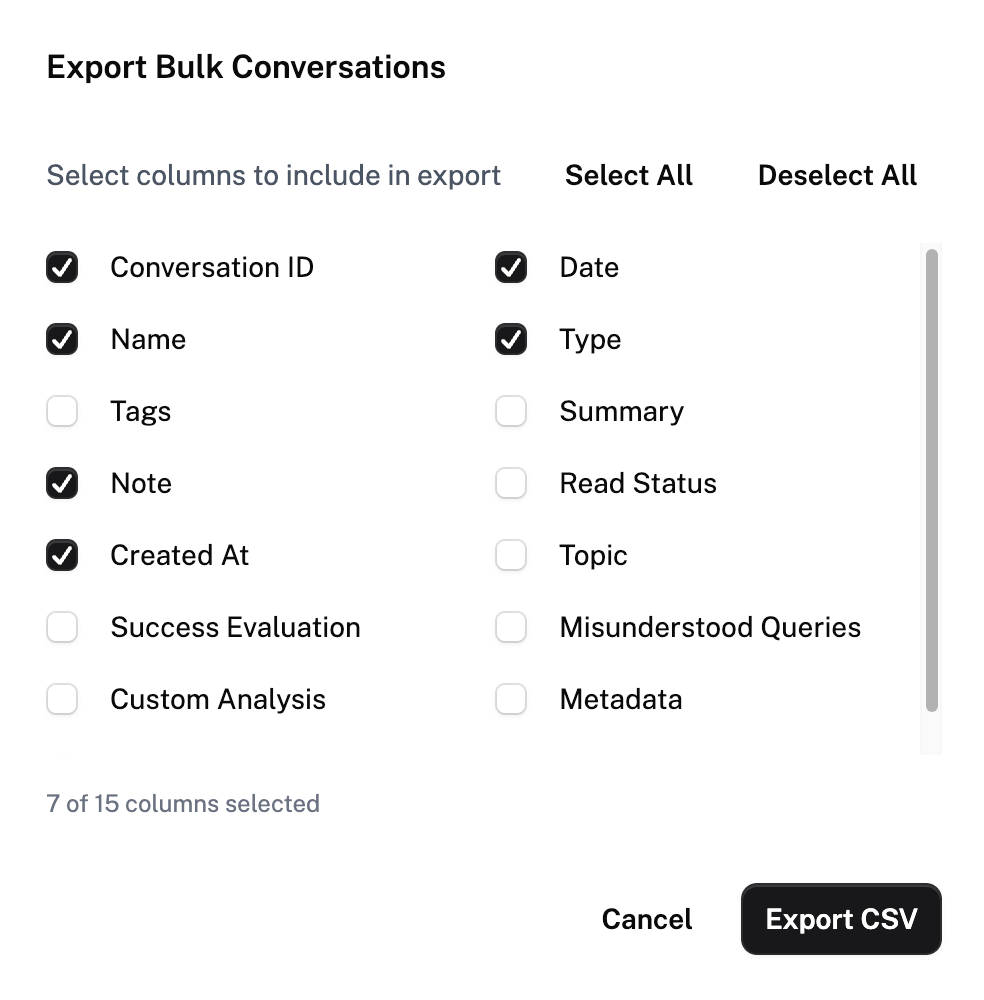
Export as CSV: all conversations during the time frame selected or individual conversation
Users can select which columns they want to export for their conversation
Customize Conversation Tab
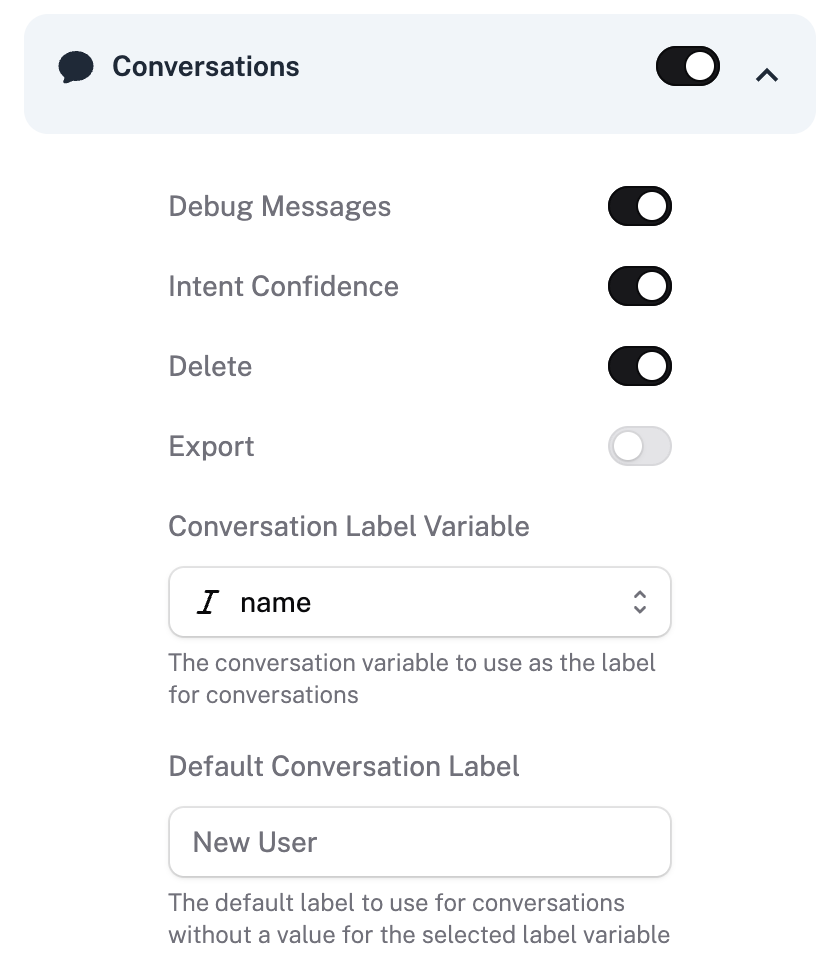
• In Client Access, you can change the Conversation Label Variable. Variable can be Post Call Analysis data (voice-based platforms only).
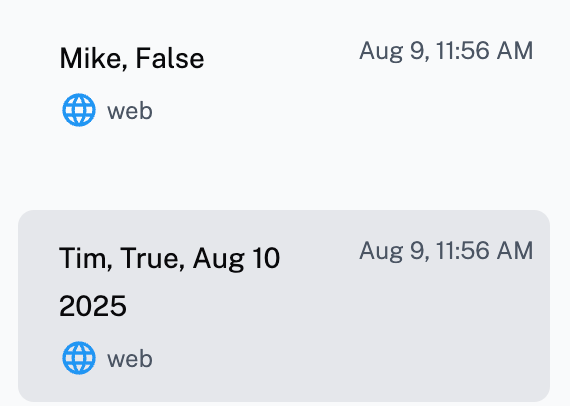
Voice-Based Platforms
Table View of conversations
Detail Tabs
Conversation Summary – AI-generated recap of key points
Success Evaluation – Success of evaluation
Custom Analysis – Custom analysis set up for the agent in agent building platform